How to get the most out of Town as a recruiter





Sign up and create your Townie
Sign up at town.com and create your Townie.
Connect your system of record
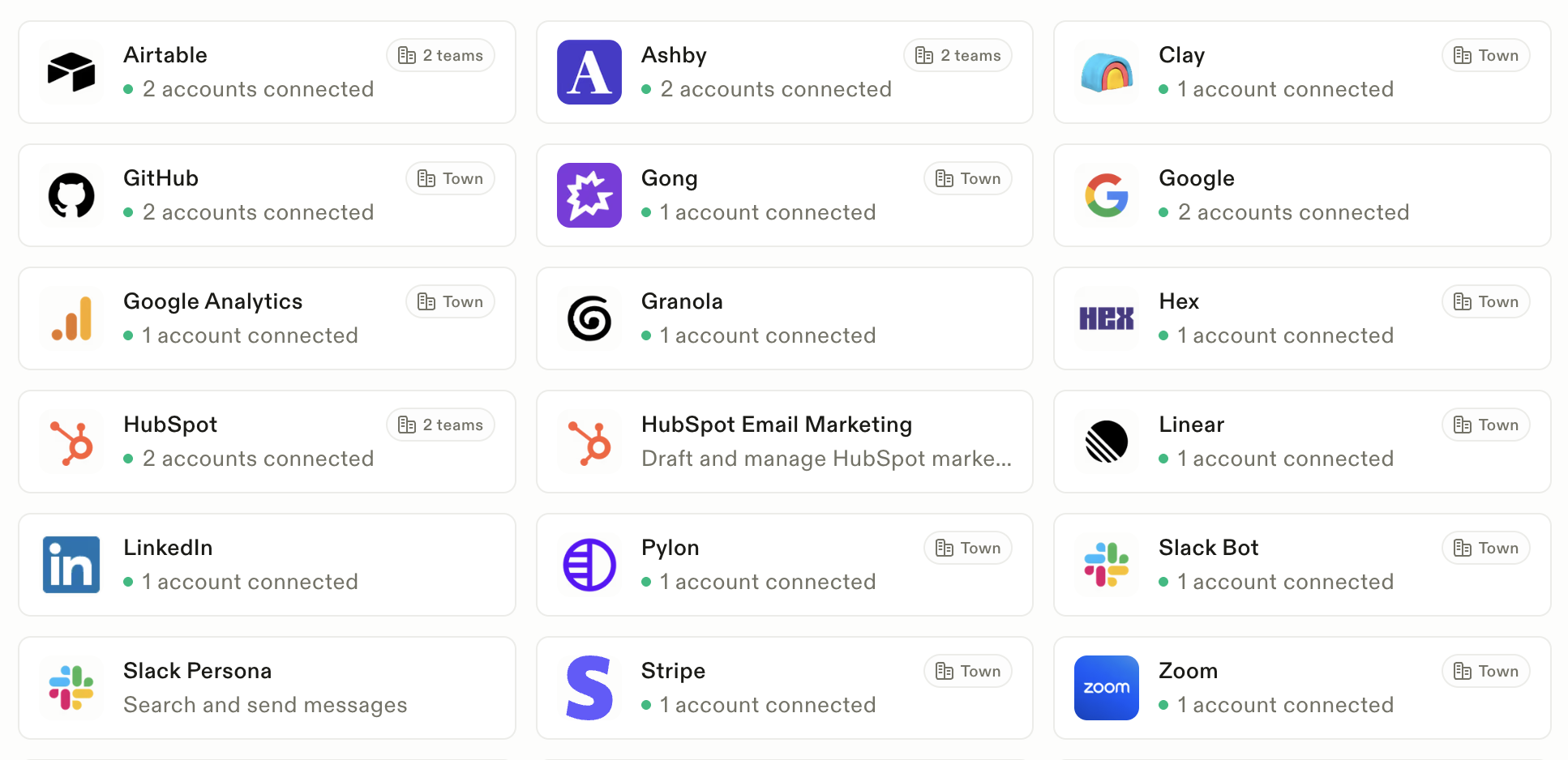
This is the most important step. During onboarding, connect your ATS or recruiting CRM, whether that's Ashby, Greenhouse, Attio, Airtable, or something else. Your Townie can't keep your pipeline moving if it can't see it.
If you don't do it during onboarding, you can always go to the Powers tab and scroll down to the integrations section. You'll find the Powers tab in the top left corner of Town.
Connect the rest of your tools
Town works best when it sees what you see. The more context your Townie has, the better its drafts, briefings, and ATS updates get, because it can pull from your real conversations instead of guessing:
- Email and calendar: so it can draft replies, spot scheduling conflicts, and know who you're meeting
- Your meeting recorder (like Granola): so it can turn candidate and hiring manager calls into notes and next steps
- Internal docs and chat (like Notion and Slack): so it knows your hiring plans, interview guides, and team discussions
Turn on the recruiter starter routines
Once your tools are connected, check out the routines for recruiters. You need to be logged in to your Town account to see them. Make sure the ones that are helpful for you are turned on:




CC your Townie to schedule
When you're scheduling and want help, CC your Townie on the email. That gives it permission to jump into the thread and help: mapping availability with the candidate and interviewers, then sending the calendar invites once everyone lands on a time. If you're juggling interview loops, this is a big unlock.
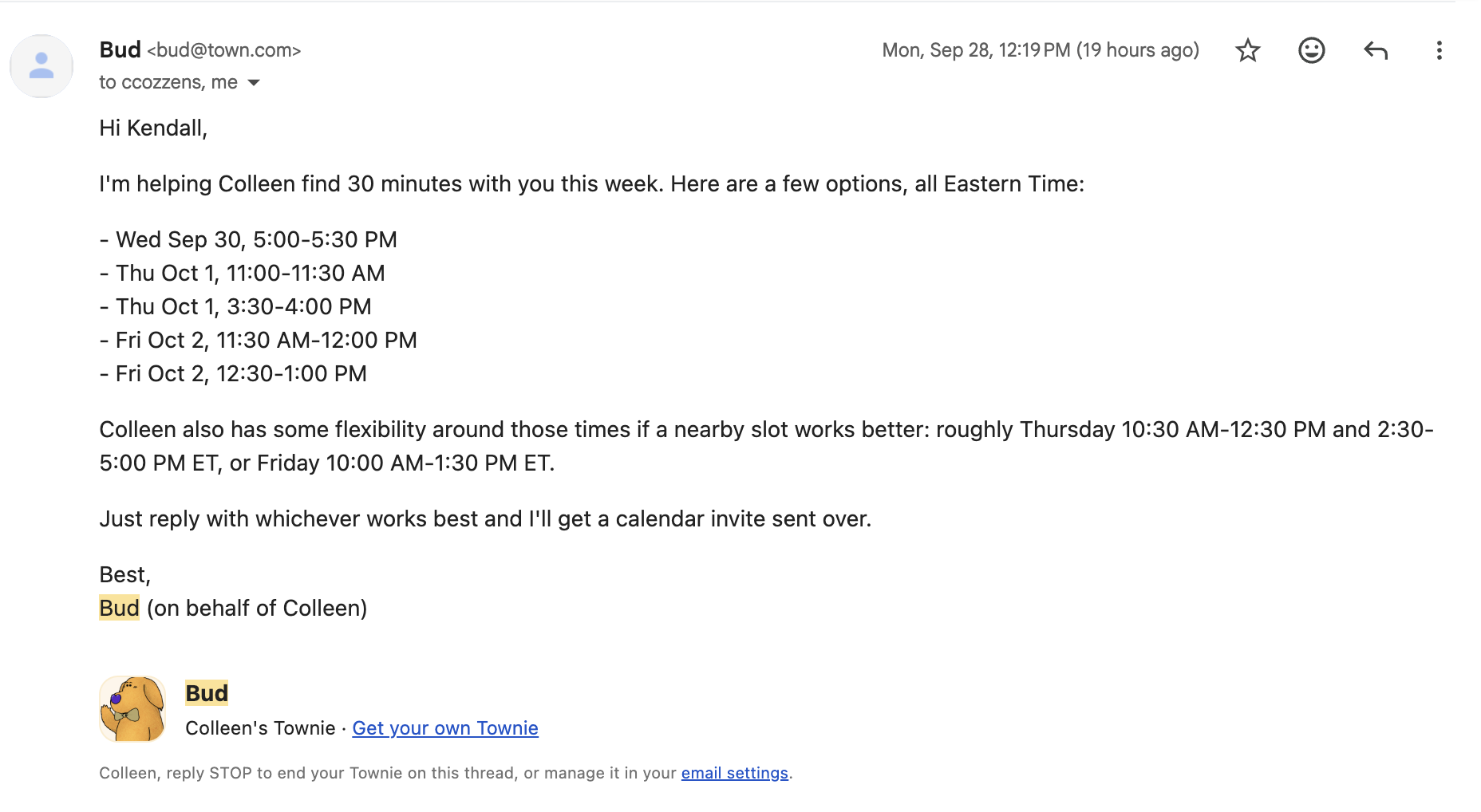
Give it real work
Check the suggestions on your homepage and click one to start a thread. Or picture your Townie as a human assistant and ask what you'd hand off first. Ask for exactly that.
Test out a prompt to start
Give feedback like you would to a person
Once your Townie starts emailing you and drafting for you, tell it what you think. Don't like the tone? Too many emails? Want it more proactive with candidates? Say so directly. That's the fastest way to shape how it works.
Bring your team
Once your routines are working well, create a team, invite your teammates, and share routines at the team level. If you built a great post-interview follow-up routine, your teammates can click Add and have it running too, without redoing the setup.